
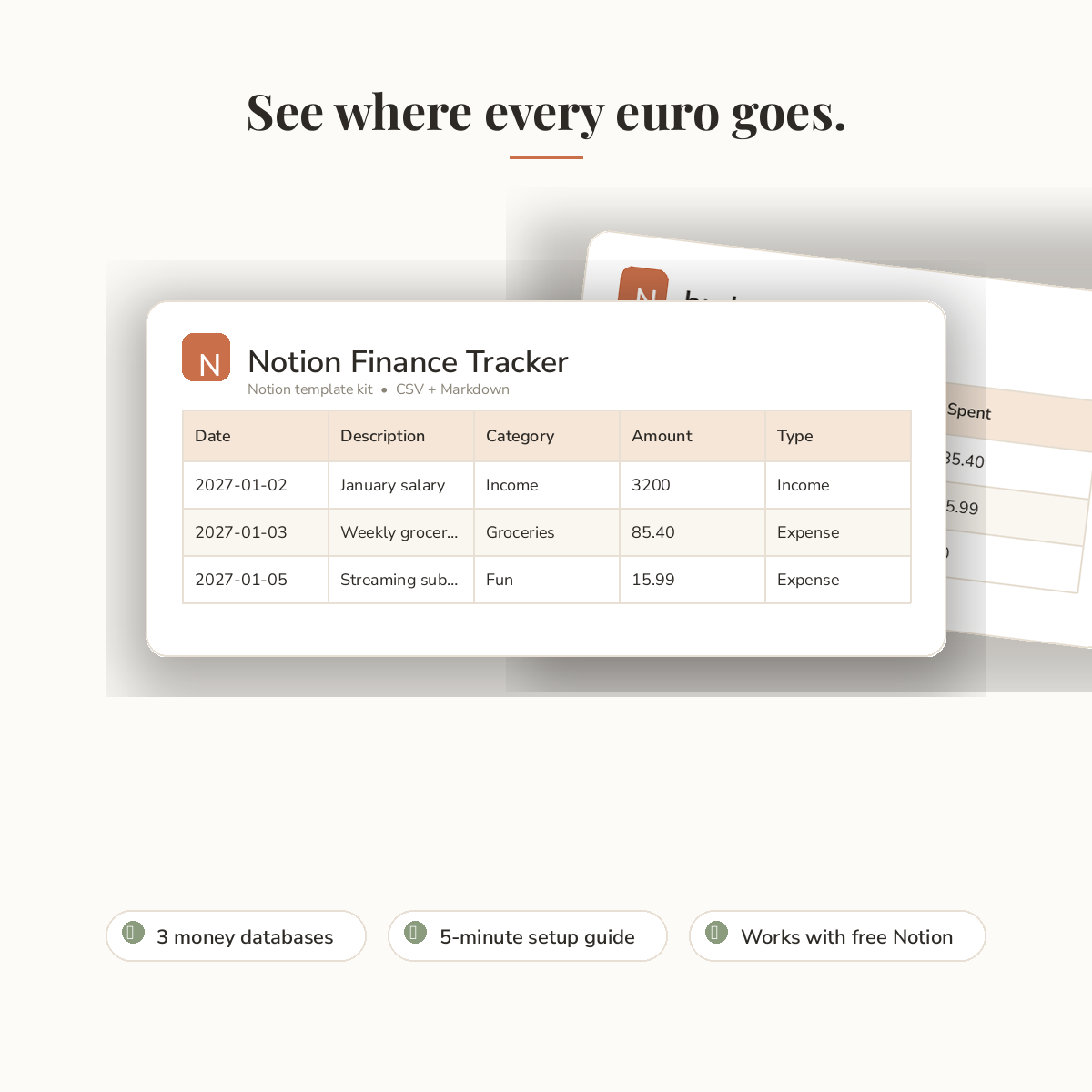
Finally see where your money goes.
The Notion Finance Tracker turns Notion into a calm, clear money dashboard. You get import-ready files — CSV databases you bring into your own Notion in minutes — plus a setup guide that shows every step. No share link, no confusion.
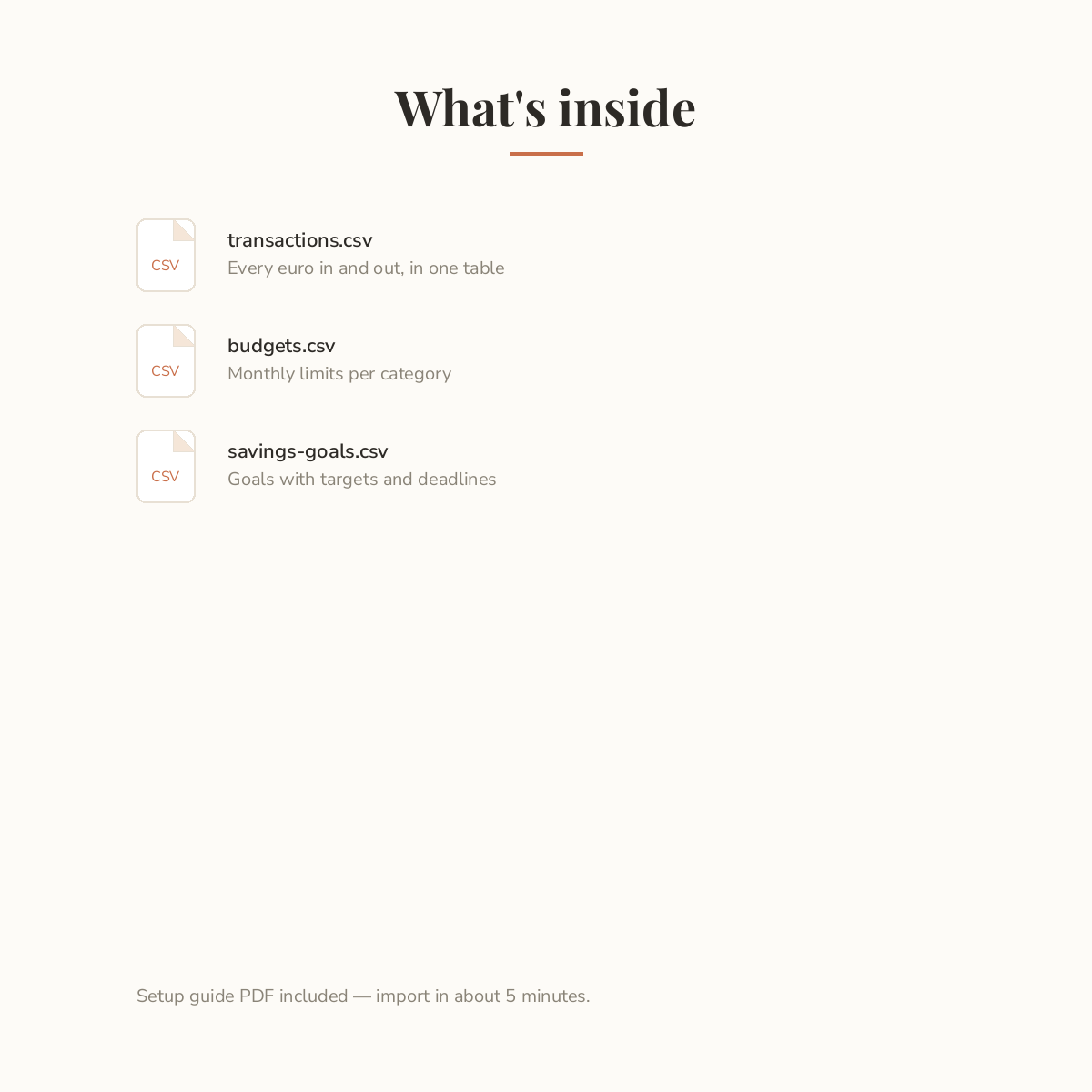
What’s inside:
– transactions.csv — every euro in and out, in one sortable table
– budgets.csv — monthly spending limits per category
– savings-goals.csv — your goals with targets and deadlines
– setup-guide.pdf — import everything in about 5 minutes
How it works:
1. Buy and download the ZIP file.
2. Unzip it on your computer.
3. Follow the setup guide to import each file into Notion — no tech skills needed.
Good to know:
– This is a digital download: import-ready CSV files with a PDF setup guide. No Notion duplicate link is included.
– Works with free and paid Notion accounts.
– Example rows are included — delete them and add your real numbers.
– For personal use.
Made with care by DownloadNook.
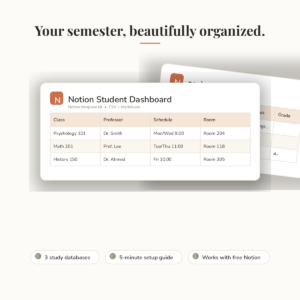
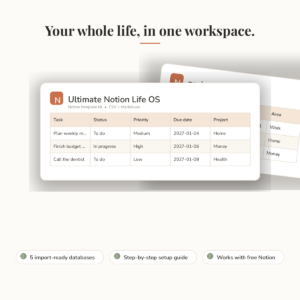
Pairs well with: Ultimate Notion Life OS and Notion Student Dashboard.

Reviews
There are no reviews yet.