
The Life OS you love — now in dark mode style.
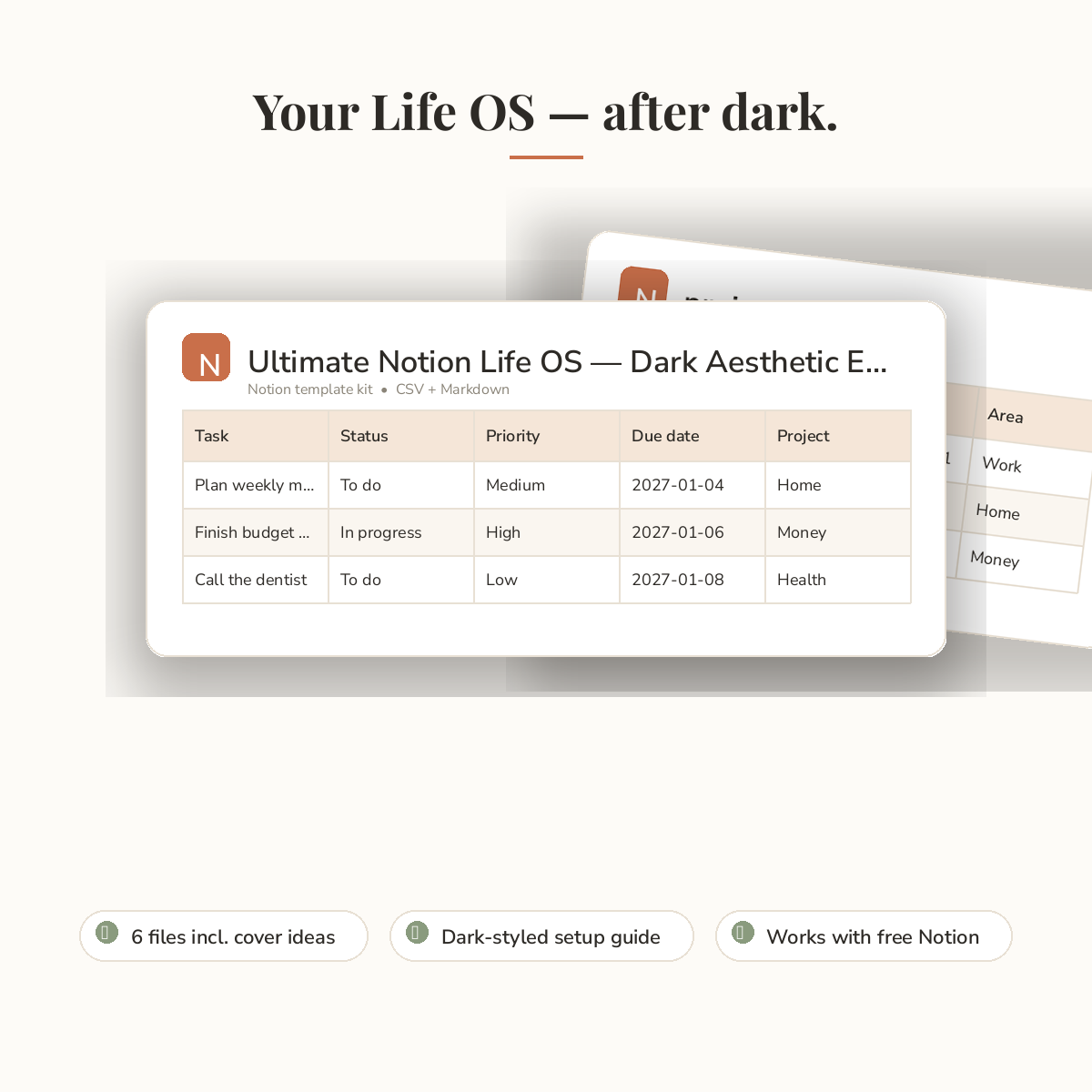
The Dark Aesthetic Edition has everything from the original Life OS — tasks, projects, goals, habits, and journaling. You get import-ready files for your own Notion, a dark-styled setup guide, and bonus dark cover and icon ideas.
What’s inside:
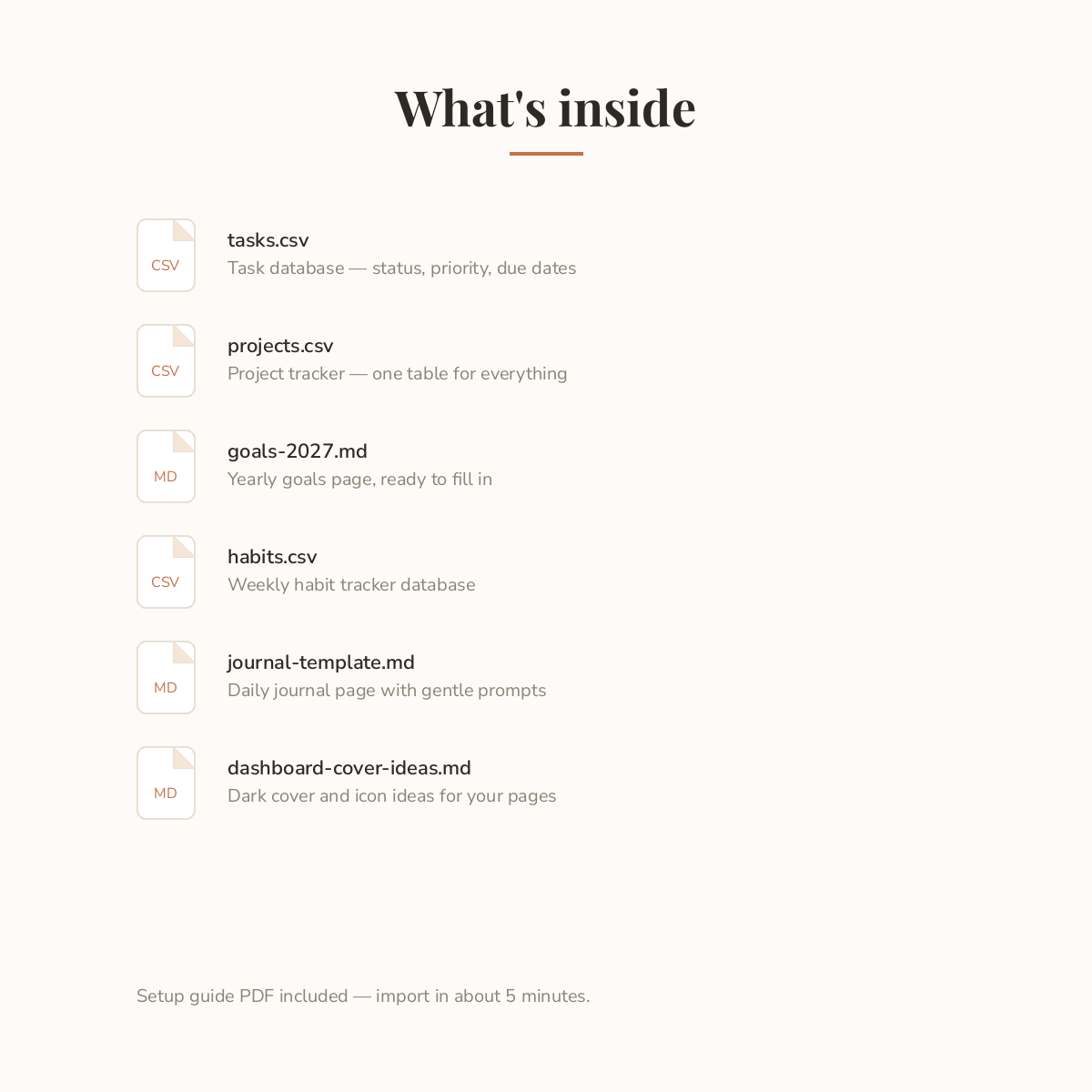
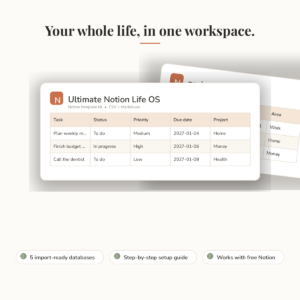
– tasks.csv — tasks with status, priority, due date, and project
– projects.csv — all your projects in one tidy table
– goals-2027.md — a yearly goals page, ready to fill in
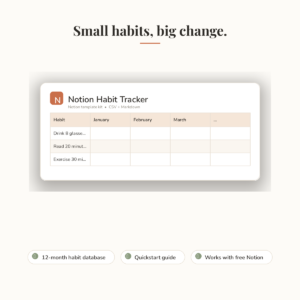
– habits.csv — a weekly habit tracker database
– journal-template.md — a daily journal page with gentle prompts
– dashboard-cover-ideas.md — dark cover and icon ideas
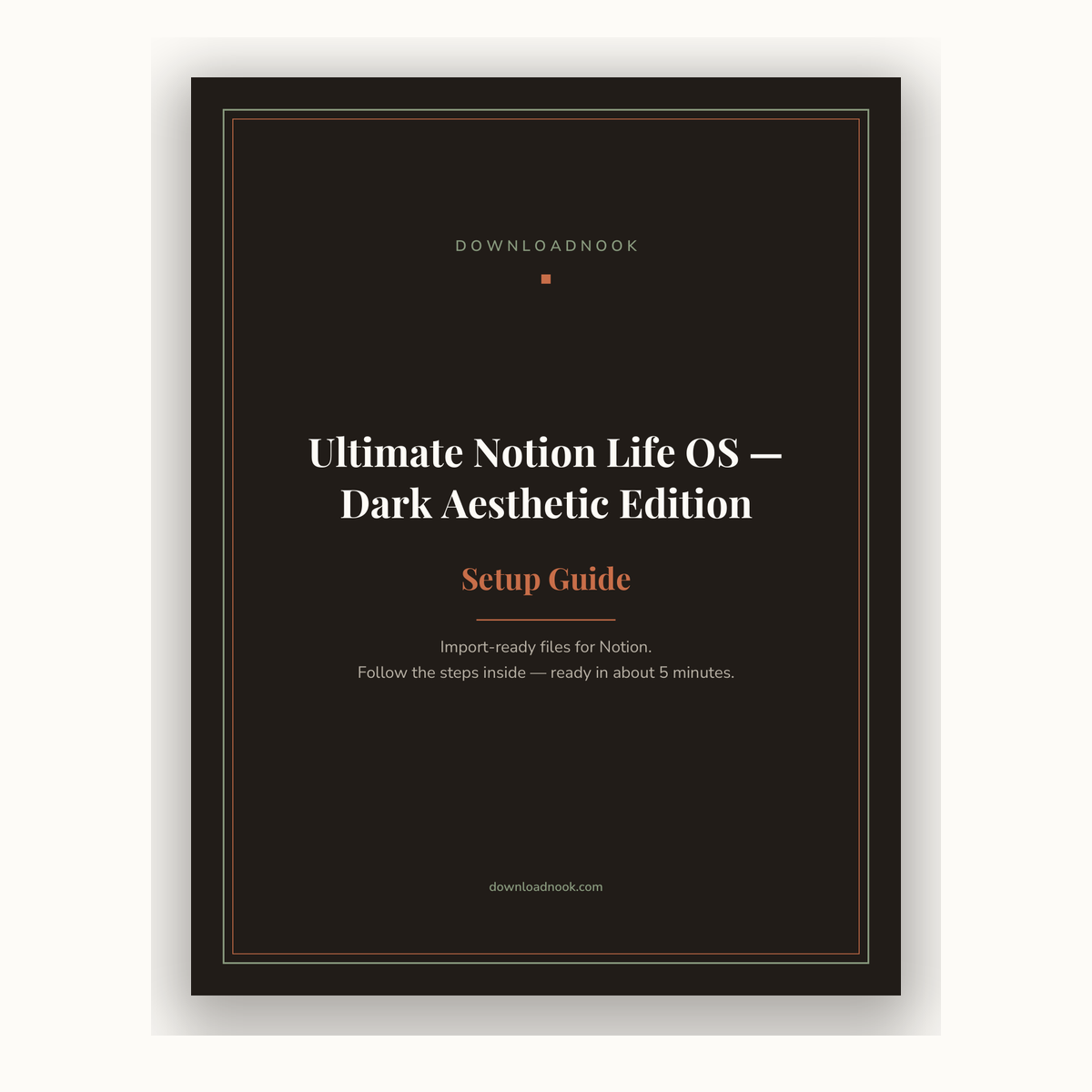
– setup-guide.pdf — dark-styled guide, import in about 5 minutes
How it works:
1. Buy and download the ZIP file.
2. Unzip it on your computer.
3. Follow the setup guide to import each file into Notion — no tech skills needed.
Good to know:
– Digital download: import-ready CSV + Markdown files with a PDF guide. No Notion duplicate link is included.
– Works with free and paid Notion accounts — turn on dark mode for the full effect.
– Example rows show you how it works — delete them and start fresh.
– For personal use.
Made with care by DownloadNook.
Pairs well with: Ultimate Notion Life OS and Notion Finance Tracker.
Reviews
There are no reviews yet.